Sunset Lake
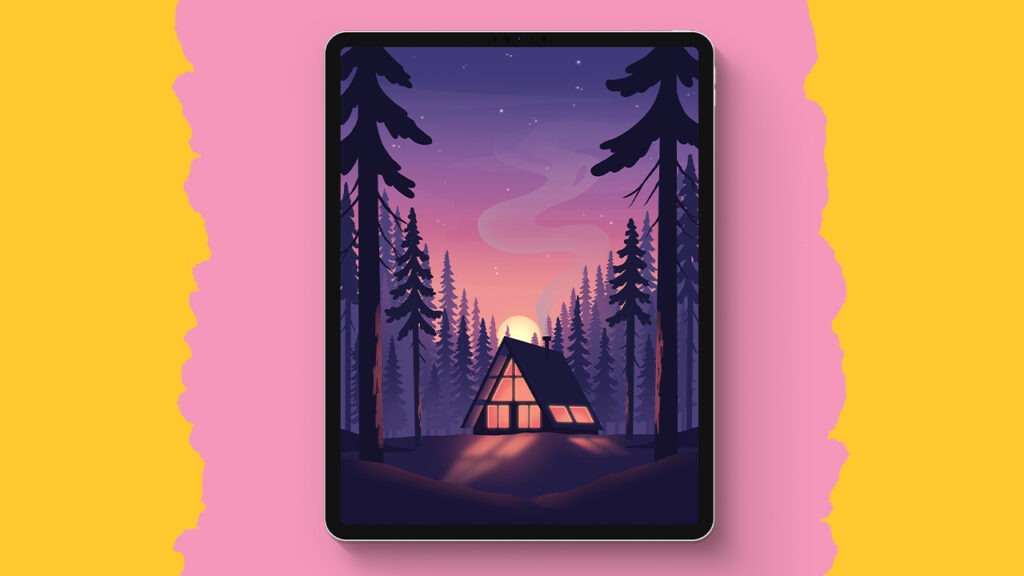
In this super easy Procreate tutorial, we create a dreamy sunset lake from scratch, no experience needed. You start with simple shapes, build soft gradients, layer in mountains and glowing light, and finish with reflections, trees, and subtle effects that make everything feel magical. Step by step, it all comes together into a calm, glowing landscape you’ll be proud of.
Brushes used:
- Forester
- Ringaroona
- Jaegar
- Pine Trees
- Pine Tree Long
- Sheerwater
Canvas Size:
- 2300 x 3000 pixels
Skills Learned:
- Creating clean base shapes with the Selection Tool
You block in large elements like the lake and clouds using rectangle and freehand selections with color fill for crisp, simple foundations. - Building smooth gradients with Gaussian Blur
You layer horizontal color bands and blend them into a seamless sky using Gaussian Blur, creating a soft sunset glow. - Adding dimension with clipping masks and alpha lock
You shade mountains and trees non-destructively, controlling highlights and shadows while staying inside your shapes. - Designing realistic reflections
You duplicate, flip vertically, blur, and adjust opacity to create convincing water reflections for mountains and islands. - Enhancing atmosphere with light rays and blend modes
You use low-opacity layers, masks, and the Add blend mode to create subtle light rays and glowing effects that elevate the whole scene.