Snow Landscape
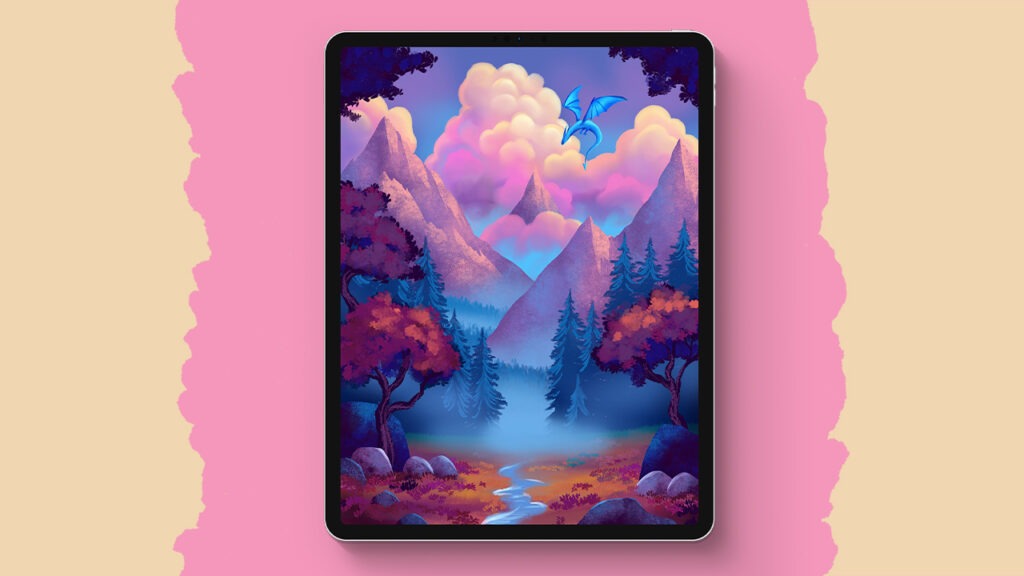
Let’s create something magical together! In this super easy Procreate tutorial, we’ll build a peaceful snowy landscape step by step, and yes, you can totally do this too. We’ll start with simple hill shapes, add some lovely gradients, paint soft trees, and finish it all off with a glowing moon, sparkly snow, and gentle shadows. It’s all about layering, blending, and keeping things fun and relaxed. Don’t worry if you’re new, I’ll walk you through everything.
Brushes used:
- Studio Pen
- Soft Brush
- Forester Brush
- Pine Tree Broad Brush
- Moon Brush
- Piermont Brush
- Winkly Brush
- Glimmer Brush
- Light Pen
Canvas Size:
- 3000 x 2000 pixels
Skills Learned:
- Creating depth with blur
By adding subtle Gaussian and motion blur, we give our hills and trees that lovely soft-focus look, perfect for building depth in a snowy scene. - Soft shading with Alpha Lock
Using Alpha Lock makes it easy to add soft gradients to hills and trees without painting outside the lines, it’s like magic for gentle shading. - Painting glowing shadows
We create dreamy moonlit shadows by duplicating tree layers, flipping them, and gently distorting and blurring, it’s such a fun and effective trick. - Adding texture with smudging
Using the Smudge tool with painterly brushes like Winkly gives our snow and trees a lovely textured feel, like a real painted scene. - Sparkles and moonlight with Add mode
The Add blending mode is perfect for creating light effects, we use it to make our moon glow and our snow sparkle just a little extra.